What Really Happens When You Send a Request on the Internet?

What Really Happens When You Send a Request on the Internet?
When you open your browser, type a web address, and hit Enter, it feels almost instant. A click—and the page appears. But behind that seemingly simple action lies a complex chain of events involving computers, servers, and networks across the globe. In this article, we’ll take a closer look at what actually happens when you send a request on the internet—from keystroke to finished webpage.
From Web Address to IP – How Your Computer Finds Its Way
When you type a web address like example.com, your computer doesn’t immediately know where to send the request. It needs an IP address—the internet’s version of a phone number. That’s where the Domain Name System (DNS) comes in.
DNS works like the internet’s phone book. Your computer asks a DNS server, “What is the IP address for example.com?” The DNS server looks it up and sends back an answer, such as 93.184.216.34. Now your computer knows which server to contact.
Sending the Request Across the Network
With the IP address in hand, your computer establishes a connection to the server. This happens through the TCP/IP protocol, which breaks data into small packets. Each packet contains part of your request along with information about where it’s going and how to reassemble it later.
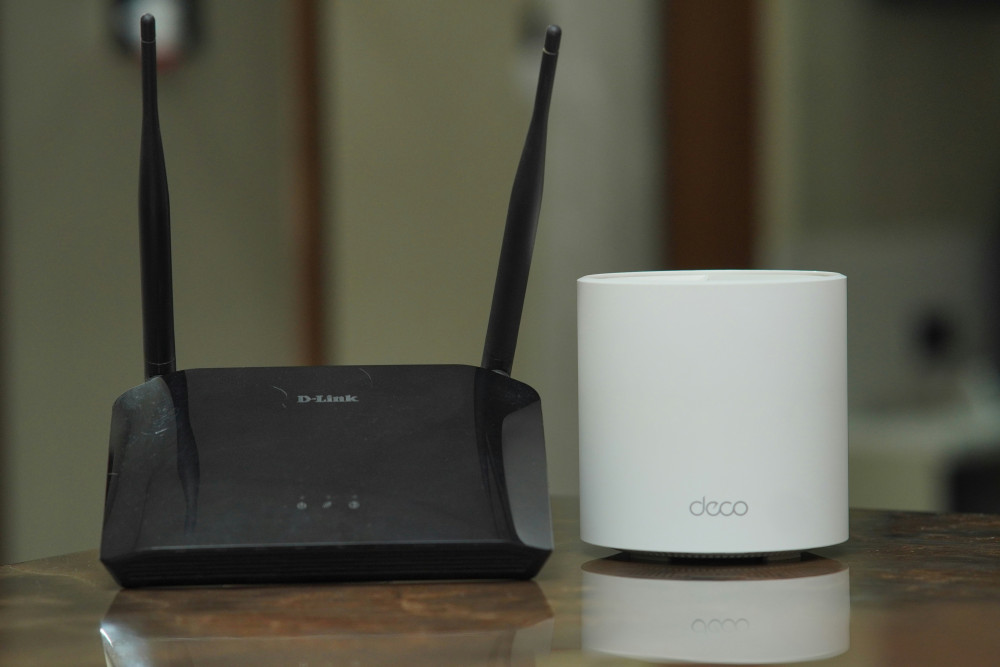
These packets travel through a series of routers—network devices that forward data toward its destination. Along the way, they may pass through your home Wi-Fi router, your internet service provider (ISP), regional data centers, and major internet exchange points. All of this happens in just a few milliseconds.
The Server Receives and Processes Your Request
When the packets reach the destination server, they’re reassembled into the original request. The server is a specialized computer designed to handle such requests—like delivering web pages or processing data.
The server reads what you’re asking for (for example, the homepage of a website) and sends a response back. This communication happens through the HTTP or HTTPS protocol, which defines how data is exchanged between your browser and the server. HTTPS is the secure version, encrypting the communication so that no one can eavesdrop or tamper with it.
Data Returns – and Your Browser Builds the Page
The server’s response consists of data files—typically HTML, CSS, JavaScript, and images. These are sent back as packets along the same route, just in the opposite direction. Your browser receives the packets, reassembles them, and begins interpreting the content.
First, the browser reads the HTML file, which defines the structure of the page. Then it loads any CSS files that control the design and layout, followed by JavaScript files that add interactivity. Finally, everything is combined into the complete page you see on your screen.
Speed, Caching, and Optimization
A fast-loading page isn’t just about having a good internet connection. Many websites use caching—a kind of temporary storage that keeps frequently used data locally. This means your browser doesn’t have to download everything from the server each time you visit.
Websites also rely on Content Delivery Networks (CDNs), which store copies of web content on servers around the world. When you visit a site, your data is fetched from the server closest to your location, reducing delay and improving speed.
Læs også:

Security and Encryption
When you see a padlock icon in your browser’s address bar, it means the connection is encrypted via HTTPS. This ensures that data traveling between you and the server can’t be intercepted or altered. Encryption relies on digital certificates that verify the server’s identity, helping you know that the site you’re visiting is legitimate.
Security is a vital part of modern internet traffic—especially when you’re sending personal information or making online payments.
A Global System in Constant Motion
Every time you send a request on the internet, you activate a vast network of technologies and infrastructure working together across countries and continents. It’s a system built on shared standards, cooperation, and billions of data packets moving every second.
So the next time you click a link, remember that in less than a second, your message has traveled across the world, found its destination, been processed by a server, and returned as the page you see—all in the blink of an eye.
Læs også: