Offline but Still Effective: How to Use Your Devices Without an Internet Connection

Offline but Still Effective: How to Use Your Devices Without an Internet Connection
We’re so used to being connected that losing Wi-Fi can feel like the end of the world. But your laptop, tablet, and smartphone can do far more than you might think—even without the internet. Whether you’re on a plane, camping in a national park, or just taking a break from constant notifications, you can still work, learn, and stay entertained. Here’s how to make the most of your devices when you’re offline.
Preparation Is Key
The secret to using your devices offline is preparation. Many apps and services offer offline features, but you’ll need to set them up while you’re still connected.
- Save documents locally – In Google Docs, Microsoft Word, and similar apps, you can enable offline mode to write and edit without a connection. Your changes will sync automatically once you’re back online.
- Download maps – Google Maps and Apple Maps let you save areas for offline navigation—perfect for road trips or hiking in remote areas.
- Save articles and web pages – Apps like Pocket or Instapaper allow you to store articles for later reading, even without Wi-Fi.
- Update apps and systems – Make sure your software is up to date before going offline to avoid bugs or missing features.
A few minutes of preparation can save you a lot of frustration later.
Work Productively Without the Internet
You don’t need a connection to get things done. In fact, being offline can help you focus without the usual distractions.
- Write and edit documents – Word processors, spreadsheets, and presentation tools all work offline if you’ve enabled the right settings.
- Organize your files – Use the time to clean up folders, photos, and downloads. It’s a great way to free up space and stay organized.
- Plan and prioritize – Use your calendar or notes app to plan upcoming tasks. Most will sync automatically once you reconnect.
- Edit photos and videos – Many editing apps work perfectly offline, so you can sort, crop, and enhance your media without Wi-Fi.
Offline time can actually boost your productivity by removing the temptation to check emails or social media.
Entertainment Without Streaming
No internet? No problem. You can still enjoy music, movies, and books—you just need to download them first.
- Download music and podcasts – Most streaming services like Spotify, Apple Music, and Audible let you save content for offline listening.
- Save movies and shows – Netflix, Disney+, and other platforms allow you to download titles for offline viewing—ideal for flights or long drives.
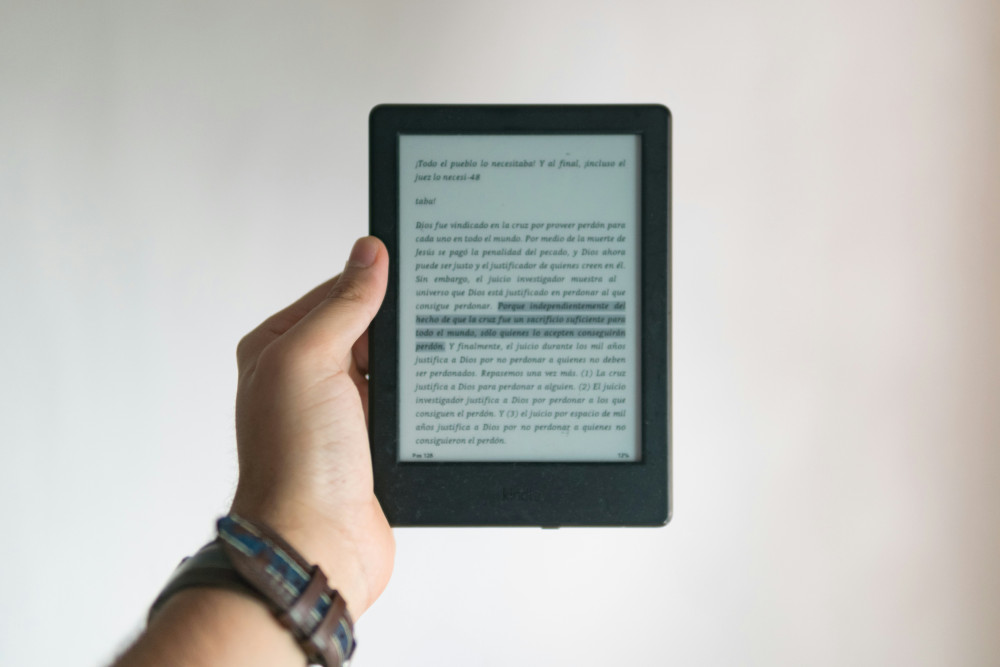
- E-books and audiobooks – Kindle, Libby, and other reading apps let you download books so you can read or listen anywhere.
- Play offline games – Many mobile games don’t require an internet connection—puzzle games, strategy titles, and classics like Sudoku are great options.
Offline entertainment can be refreshingly peaceful without constant notifications or ads.
Læs også:
Learn Something New—Without Being Online
Offline time is also a great opportunity to learn. Many educational apps and courses offer offline access.
- Language learning – Apps like Duolingo and Babbel let you download lessons so you can practice vocabulary on the go.
- Read and take notes – Download articles, reports, or PDFs you’ve been meaning to read.
- Watch educational videos – Platforms like YouTube Premium and Coursera allow you to save videos for offline viewing.
Learning offline can help you focus deeply without the distractions of the web.
Offline as a Digital Detox
Being offline isn’t just practical—it can also be a healthy break from the constant online buzz. Without the steady stream of messages, likes, and news updates, you can slow down and be more present.
Use your offline time to notice what you actually miss—and what you don’t. You might discover that you don’t need to be online all the time to be productive or connected.
Make Offline a Habit
You don’t have to wait for your Wi-Fi to drop to go offline. Try scheduling regular offline periods—an hour in the evening or a day on the weekend. It can help you recharge, focus, and even sleep better.
With a little planning, your devices can be powerful tools—not distractions—even when you’re offline.
Læs også: