Take Good Care of Your Tech: How to Transport Your Devices Safely


Take Good Care of Your Tech: How to Transport Your Devices Safely
We bring our tech everywhere — to work, school, vacations, and daily errands. But smartphones, laptops, and tablets are expensive and fragile, and one careless moment can lead to scratches, water damage, or lost data. The good news is that with a few smart habits and the right gear, you can keep your devices safe wherever you go. Here’s a guide to transporting your tech securely, whether you’re commuting across town or flying across the country.
Choose the Right Bag
The first step to safe transport is picking a bag that fits your needs. A good tech bag should be practical, comfortable, and protective against bumps, moisture, and theft.
- Padded laptop backpacks or messenger bags: Look for a bag with a dedicated, padded compartment for your laptop or tablet. It cushions your device from shocks and pressure while you’re on the move.
- Water-resistant materials: Rain and humidity can ruin electronics. Choose a bag made from water-repellent fabric, or use a rain cover if you walk or bike in all kinds of weather.
- Anti-theft features: Bags with hidden zippers, lockable compartments, or RFID-blocking pockets are worth considering, especially if you travel through busy airports or public transit systems.
Don’t forget comfort — a bag with good weight distribution and adjustable straps can prevent back and shoulder strain.
Protect Each Device Individually
Even the best bag can’t do all the work. Each device needs its own layer of protection.
- Laptop sleeves and cases: A neoprene or felt sleeve adds extra shock absorption and prevents scratches.
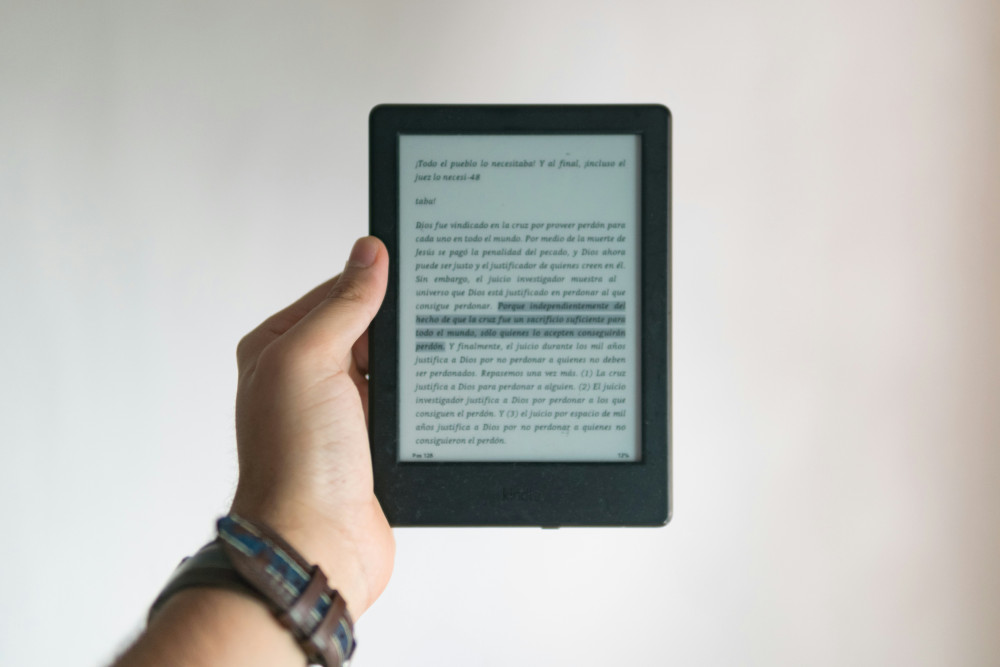
- Tablets and e-readers: A sturdy case with a cover protects both the screen and corners. Some even double as stands for hands-free use.
- Smartphones: A high-quality case and tempered glass screen protector can save you from costly repairs if you drop your phone.
- Headphones and accessories: Store cables, chargers, and earbuds in small pouches or separate compartments to avoid tangles and scratches.
It might seem like a lot of layers, but they make a big difference when your bag gets bumped or dropped.
Avoid Extreme Temperatures
Electronics perform best at room temperature. Cold can temporarily reduce battery life, while heat can cause permanent damage.
- In winter: Don’t leave your laptop or phone in a freezing car. If a device gets very cold, let it warm up to room temperature before turning it on.
- In summer: Avoid leaving your tech in direct sunlight or a hot vehicle. If you must transport gear for a long time, consider an insulated bag.
A simple rule of thumb: if you wouldn’t be comfortable in that temperature, your electronics won’t be either.
Læs også:

Be Careful While Traveling
When you’re on the move, small habits can make a big difference.
- Don’t place your bag on the floor of buses or trains — moisture and dirt can seep in.
- Avoid stacking heavy items on top of your tech bag.
- Keep an eye on your belongings in airports, cafés, and other public places — electronics are prime targets for theft.
- Handle cables and chargers gently. Never yank cords, and wrap them neatly to prevent fraying.
If you’re flying, always carry your most important devices in your carry-on bag. It protects them from both damage and loss.
Protect Your Data, Not Just Your Devices
Keeping your tech safe isn’t only about the hardware. If your laptop or phone is stolen, losing your data can be even worse than losing the device itself.
- Back up regularly — either to the cloud or an external hard drive.
- Use strong passwords and encryption to keep your files secure.
- Enable tracking features like “Find My iPhone” or “Find My Device” so you can locate or remotely wipe your data if needed.
These steps ensure that even if something goes wrong, your information stays protected.
Make It a Habit
Transporting your devices safely doesn’t take much extra effort — just a bit of awareness. Once you have the right bags, cases, and routines, it quickly becomes second nature. And that small investment of time and care can save you money, stress, and precious memories.
So next time you pack your bag, remember: your tech deserves the same care as anything else you value. A little attention today can keep your devices running smoothly for years to come.
Læs også: