Position Your Equipment Correctly – and Get Better Wi‑Fi Coverage Throughout Your Home

Position Your Equipment Correctly – and Get Better Wi‑Fi Coverage Throughout Your Home
A strong and reliable Wi‑Fi connection has become as essential as electricity and running water in most American homes. Yet many people still struggle with dead zones, dropped connections, and slow speeds—often without realizing that the solution can be as simple as moving the router. The placement of your equipment has a huge impact on how the signal travels through your home. Here’s how to get the most out of your wireless network.
Router Placement – The Most Important Step
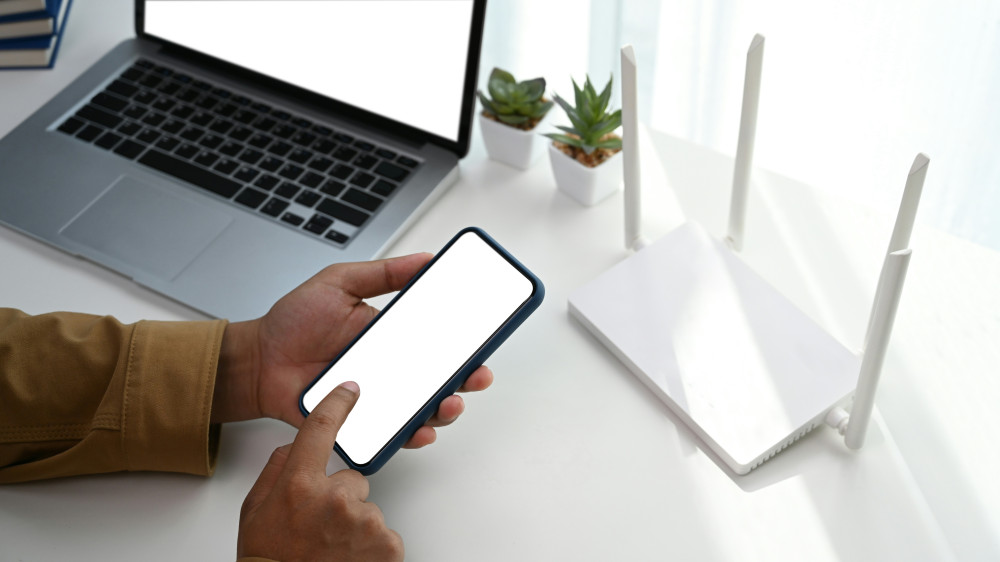
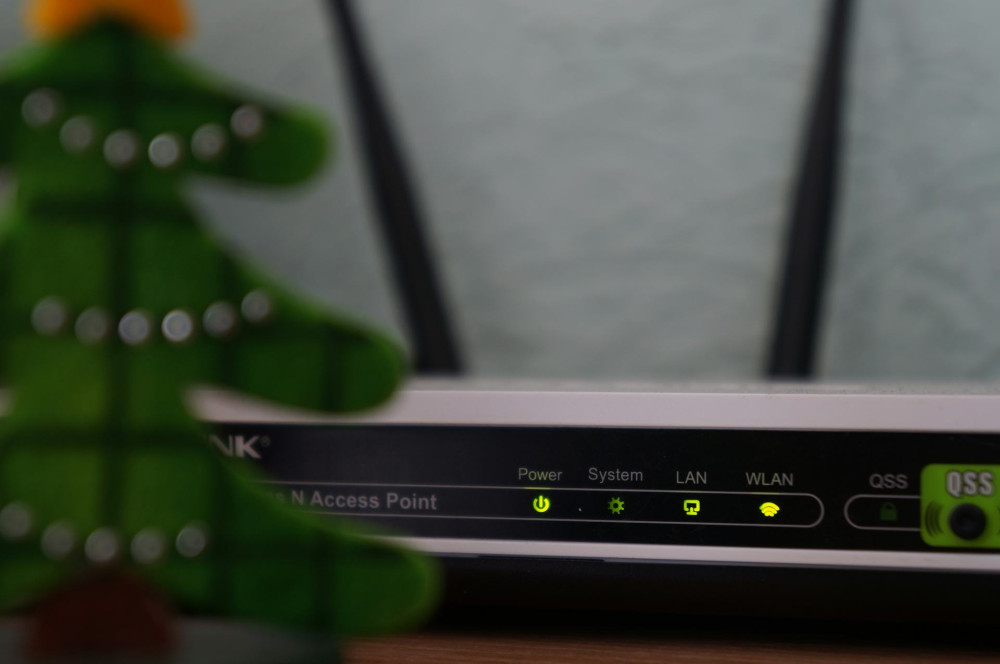
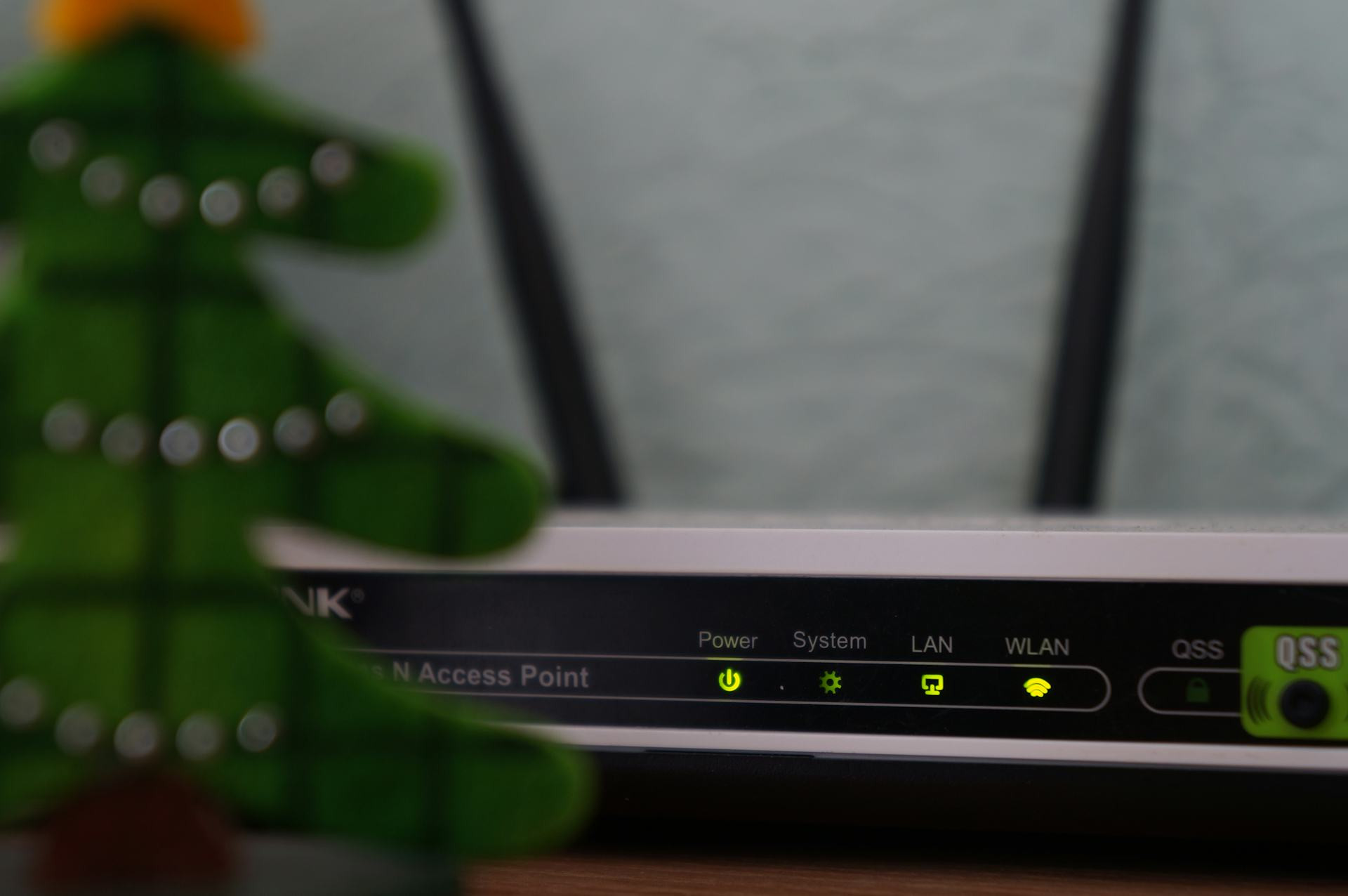
Your router is the heart of your Wi‑Fi network, and where you place it determines how well the signal reaches every corner of your home. Many people tuck it away in a corner, behind the TV, or inside a cabinet—but that’s rarely a good idea.
- Place the router in a central location. Wi‑Fi signals spread in all directions, so a central spot gives you the most even coverage.
- Keep it out in the open. Metal, concrete, and thick walls can weaken the signal. Set the router on a shelf or table, not hidden behind furniture.
- Avoid interference from electronics. Devices like microwaves, cordless phones, and baby monitors can disrupt the signal.
- Raise it off the floor. Wi‑Fi waves travel best when the router is at eye level or higher.
Think of your router like a lamp: the more open space around it, the better it can “shine” its signal throughout your home.
Know Your Home – and Its Challenges
Building materials and layout play a big role in how Wi‑Fi signals move. Concrete, brick, and tile block signals more than wood or drywall. If you have multiple floors, you may need extra equipment to ensure full coverage.
- In apartments or smaller homes: A centrally placed router often covers the entire space.
- In multi‑story houses: Consider placing the router on the upper floor or using a mesh system that distributes the signal through several units.
- In homes with additions or basements: An extra access point may be the best solution.
In short: one strong, consistent signal is better than several weak ones. The goal is even coverage, not just high speed near the router.
Use Mesh Networks or Extenders Wisely
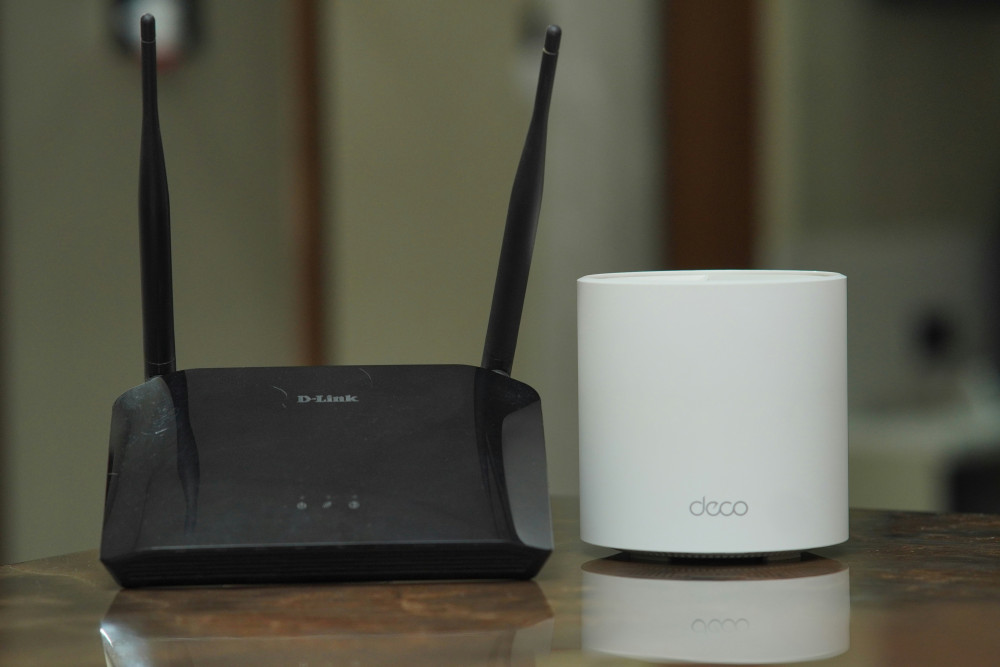
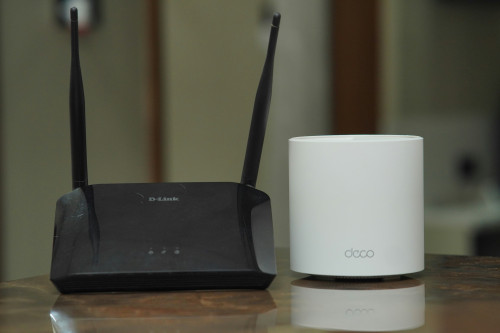
If you still have dead spots, a mesh system can be a great fix. It uses multiple small devices that work together to spread the signal evenly, giving you stable Wi‑Fi throughout your home.
- Mesh systems are ideal for larger homes or those with many walls. They take a bit of setup but deliver consistent performance everywhere.
- Wi‑Fi extenders can be a quick fix, but if placed incorrectly, they can cut your speed in half. Make sure they’re positioned where the signal is still strong—not in an area that’s already weak.
Don’t Forget About Cables
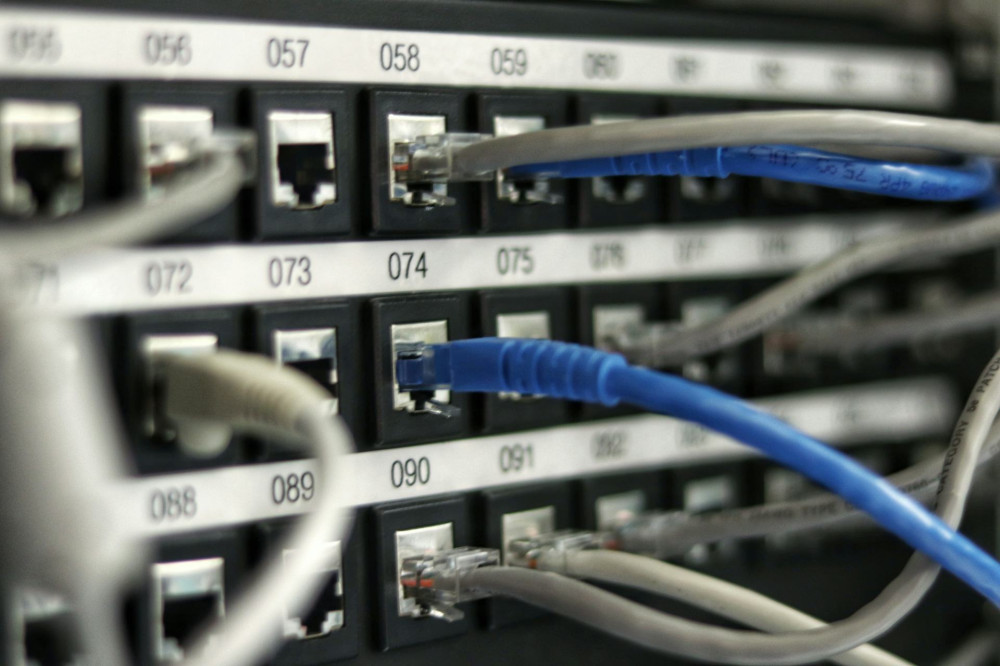
Even though wireless is convenient, it’s worth using Ethernet cables for devices that stay in one place—like desktop computers, gaming consoles, or smart TVs. This frees up wireless capacity for other devices and gives you a more stable connection.
A simple network cable can often make a bigger difference than an expensive new router.
Update and Optimize Your Equipment
Technology moves fast, and older routers may struggle to keep up with today’s high‑speed internet connections. If your router is more than five years old, it might be time for an upgrade.
- Choose a router with Wi‑Fi 6 or newer. It handles more devices and offers better range.
- Keep the firmware updated. Manufacturers release updates that improve performance and security.
- Change the channel if you experience interference. In densely populated areas, many networks overlap on the same frequency. Most routers can automatically select the best channel.
Læs også:


Test and Fine‑Tune
Once you’ve moved or upgraded your equipment, test your coverage. Use a Wi‑Fi analyzer app or an online tool to measure signal strength in different rooms. If you find weak spots, adjust the router’s position slightly—small changes can make a big difference.
A great Wi‑Fi network doesn’t necessarily require expensive gear, just thoughtful setup. With the right placement and a few adjustments, you can enjoy faster, more reliable internet—and say goodbye to dead zones for good.
Læs også: